
Latest Version
Francisco Nadal
Finance
Linux
Free
app.tintero.Tintero
Report a Problem
More About Tintero
The Challenge of Managing Large-Scale Writing Projects
Every author, screenwriter, and worldbuilder knows the frustration of scattered notes. When working on a novel, an intricate screenplay, or an expansive RPG campaign, keeping track of character arcs, timeline events, and manuscript drafts across different applications quickly becomes a logistical nightmare. Tintero professional writing studio solves this exact problem by consolidating your entire creative workflow into a single, cohesive Linux application.
Developed by Francisco Nadal, this comprehensive workspace bridges the gap between structured planning and distraction-free writing. Instead of forcing you to adapt to a rigid system, it provides a highly flexible environment that shifts shape based on the specific demands of your current project.
How the Tintero Professional Writing Studio Transforms Your Workflow
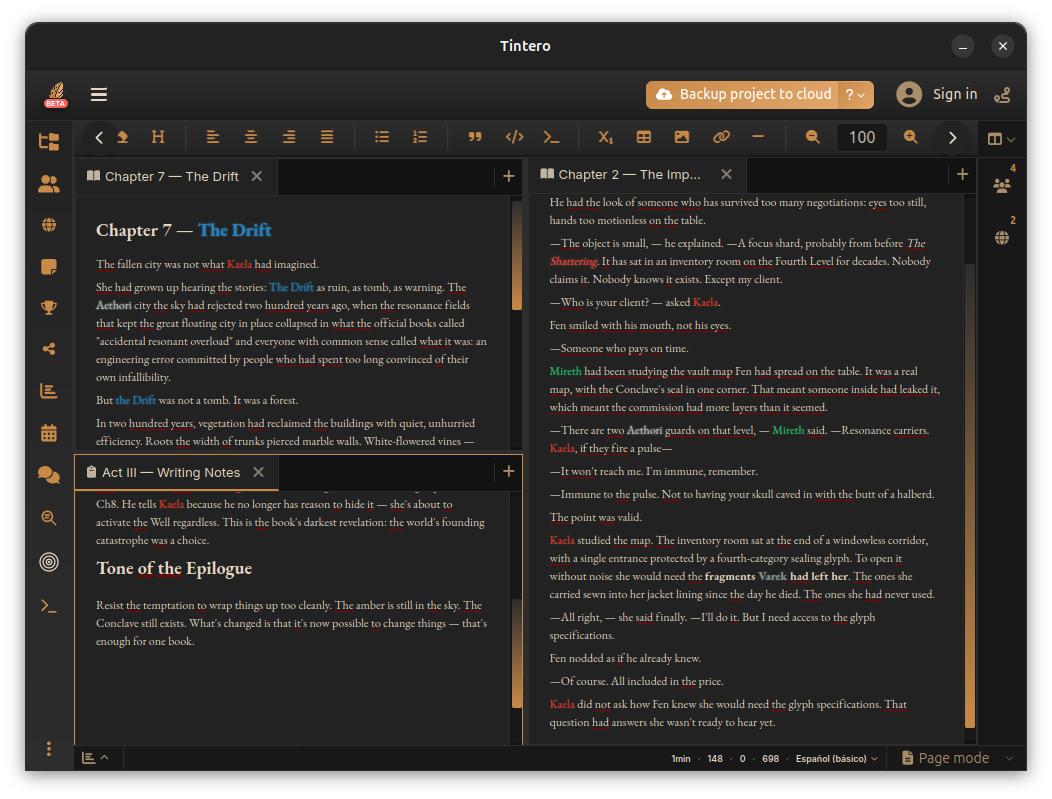
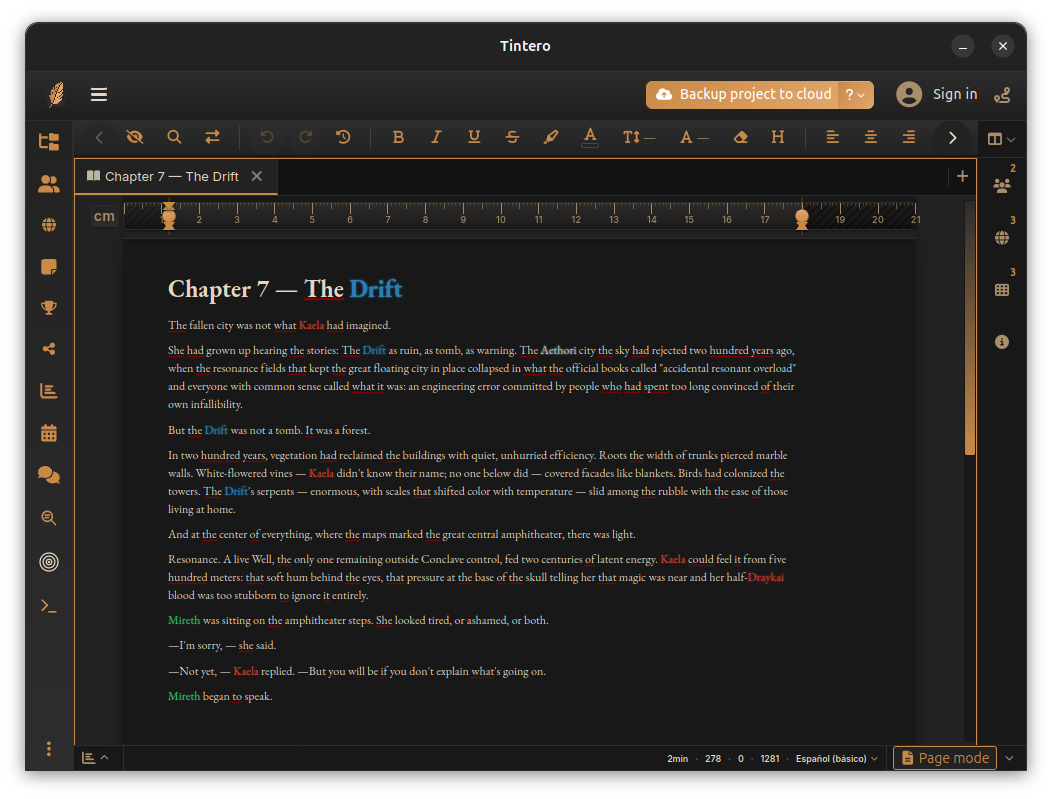
At the core of the Tintero professional writing studio is an adaptable interface designed to keep you focused. Whether you need a clean, distraction-free canvas or a complex multi-pane workspace, the application delivers several advanced editing features:
- Versatile Editing Modes: Switch seamlessly between a distraction-free layout, a traditional manuscript page view, or dedicated screenplay formatting.
- Split-Screen Capabilities: Compare chapters or reference your worldbuilding notes side-by-side with multi-pane editing.
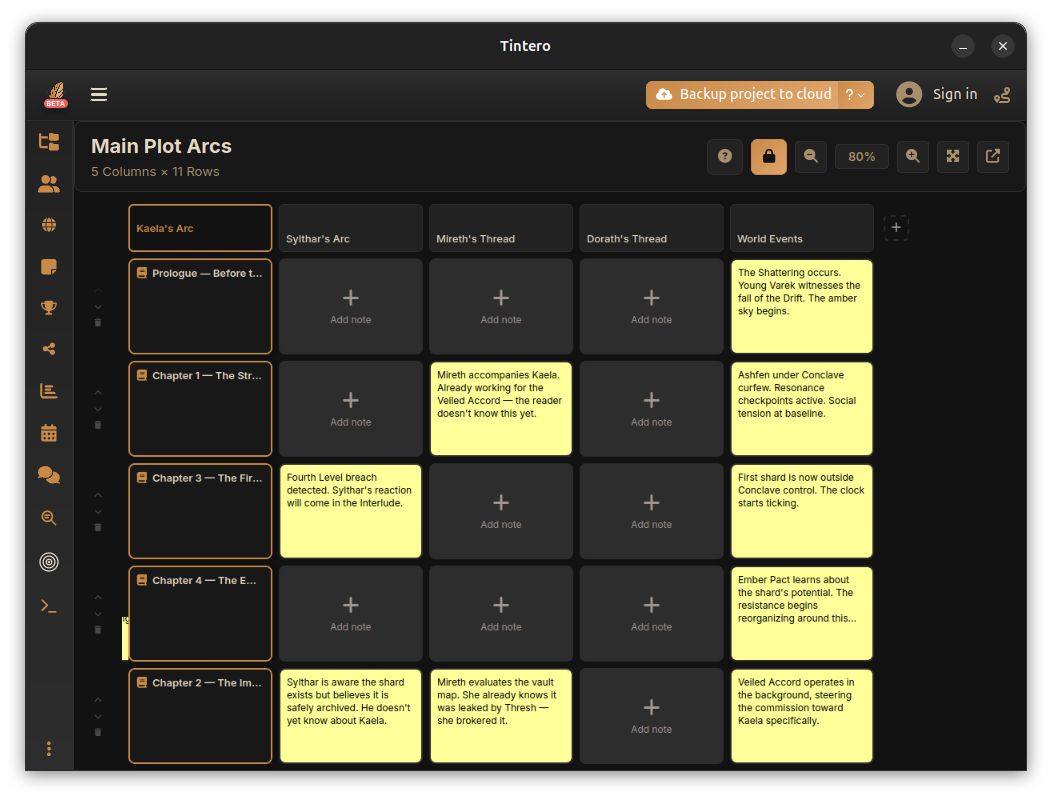
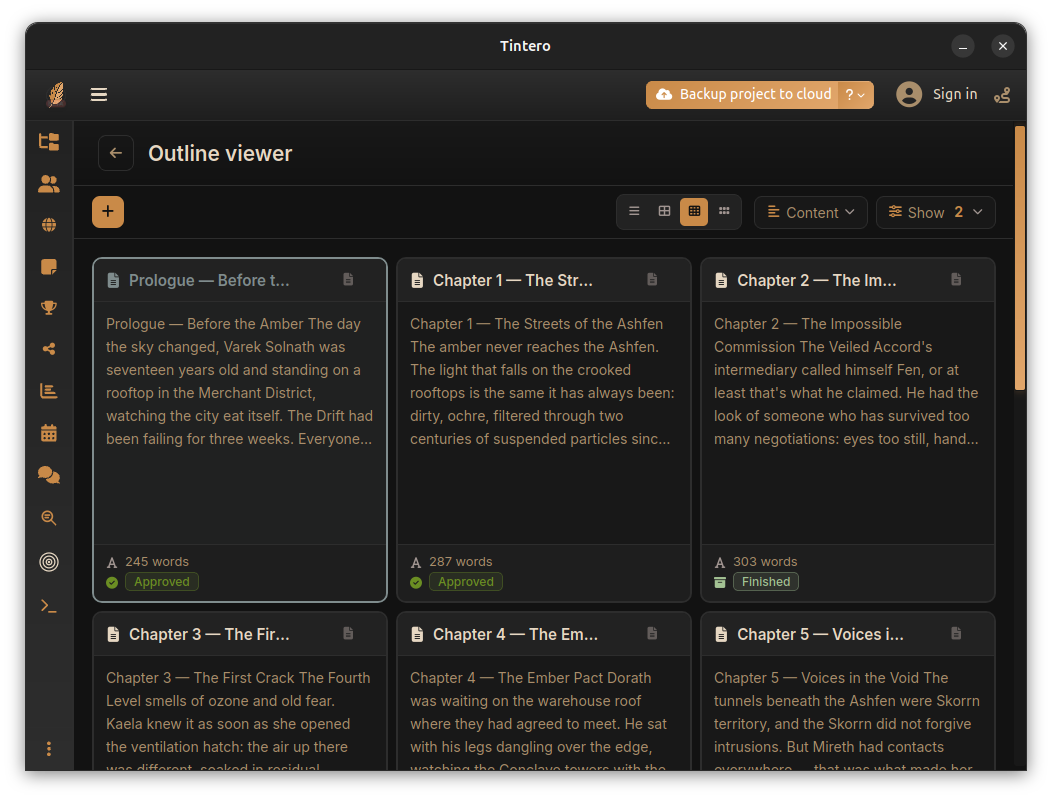
- Visual Planning Tools: Organize your narrative visually using a digital corkboard and the PlotGrid system to map out intersecting storylines and character arcs.
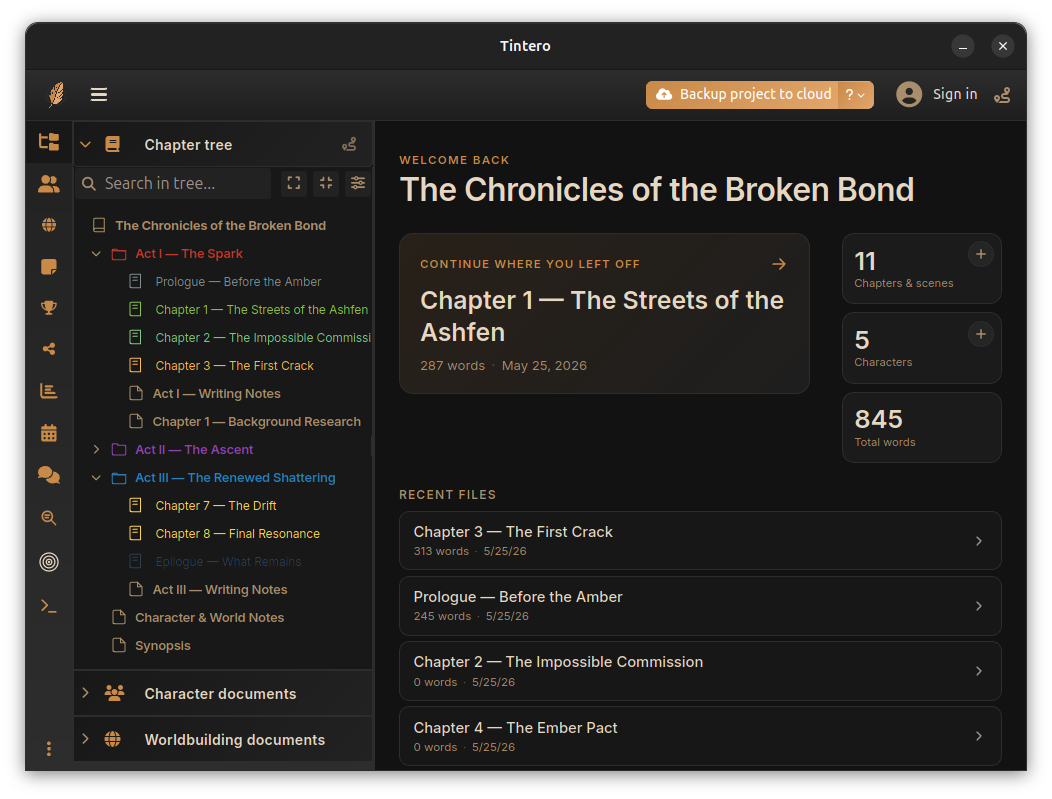
- Smart Organization: Manage your manuscript with an unlimited hierarchical folder structure, complete with customizable icons, colors, and status indicators.
Immersive Worldbuilding and Character Tracking
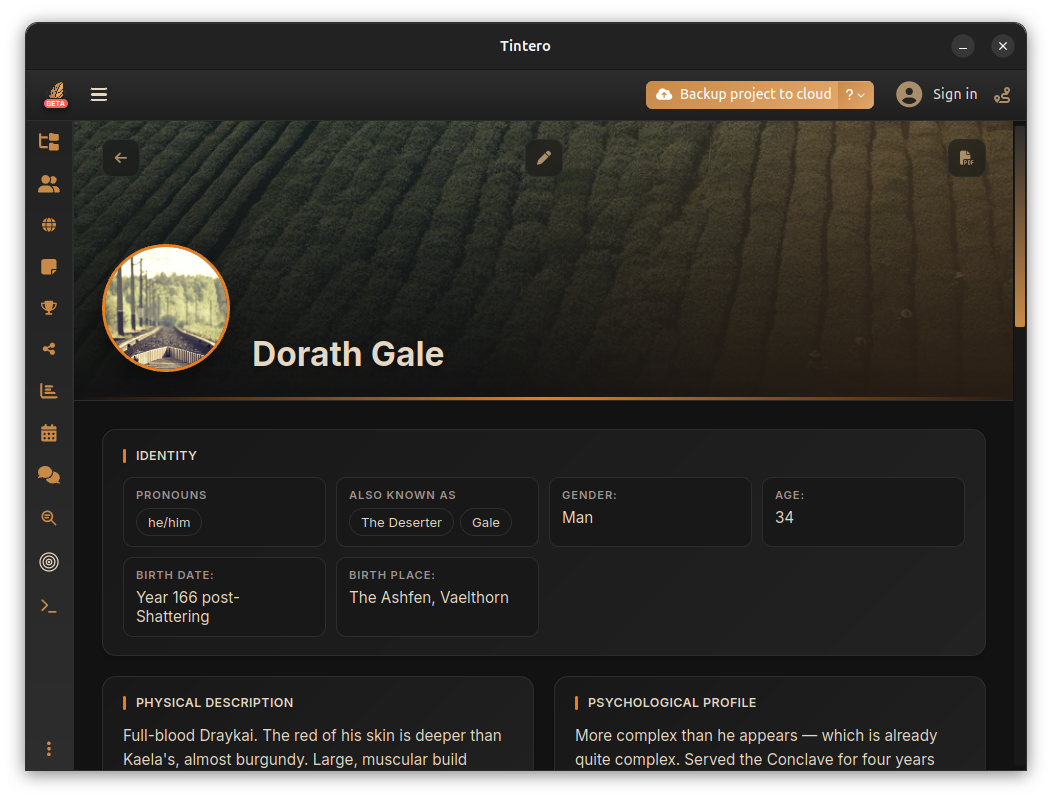
For novelists and fantasy writers, worldbuilding can easily spiral out of control. Tintero keeps your lore organized with structured profiles for over 13 entity types, including locations, organizations, technologies, and beliefs. The software features global relationship mapping, allowing you to visualize connections between characters and factions. Best of all, you can highlight and tag these worldbuilding elements directly within your active chapters, ensuring consistency across every page.
Integrated Project Management and AI Assistance
Tintero is more than just a text editor; it is an intelligent project manager. The application tracks your writing sessions with detailed productivity graphs, word count alerts, and reading-time estimates. To safeguard your work, it features robust version control with automatic snapshots, backup systems, and side-by-side draft comparisons.
When writer's block strikes, the built-in AI writing assistant offers text generation, editing, and brainstorming support, alongside an interactive AI chat for project-specific queries. Once your draft is complete, you can easily share private copies with beta readers or export your work to professional formats like PDF, EPUB, and DOCX using customizable templates.
Is Tintero Right for Your Creative Journey?
If you are looking for a privacy-first, feature-rich workspace on Linux that handles everything from the initial brain dump to the final export, this application is an exceptional choice. With zero telemetry by default and seamless Google Drive synchronization, your intellectual property remains entirely secure and accessible across all your devices.
To explore this powerful creative environment for yourself, visit the official Flathub store page to learn more about the Tintero professional writing studio and integrate it into your Linux setup.
Rate the App
User Reviews













Popular Apps










Editor's Choice