
Latest Version
Cristian Gav
Travel & Local
Mac
Free
6776244102
Report a Problem
More About Smart App for Google Maps
The Ultimate Desktop Mapping Experience on macOS
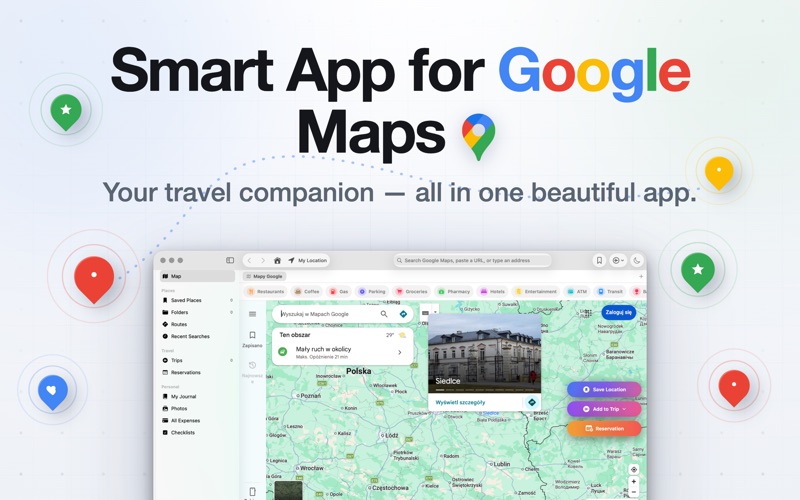
Picture this: you are planning a complex multi-stop road trip across the coast, managing hotel bookings, tracking a tight travel budget, and trying to keep your browser from lagging under the weight of dozens of open tabs. Standard web mapping tools can quickly become overwhelming in a cluttered browser. Enter the Smart App for Google Maps desktop client, a dedicated macOS application designed by Cristian Gav that transforms how you interact with the world's most popular map interface.
Categorized under travel-local software, this native Mac utility strips away the browser clutter to deliver a streamlined, distraction-free mapping environment. It is built specifically for users who require robust organization tools alongside their geographical searches, offering a sophisticated hub for both daily commutes and elaborate vacation planning.
Key Features of the Smart App for Google Maps Desktop Client
This software goes far beyond simple map viewing, integrating powerful productivity tools directly into its native interface:
- Native macOS Integration: Enjoy a dedicated window complete with multiple tab support, dark mode toggles, global shortcut commands, and Spotlight indexing to locate your saved destinations instantly.
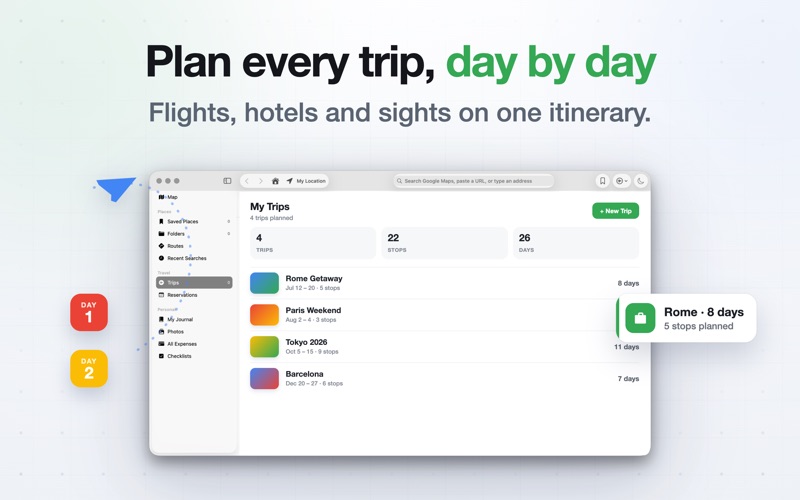
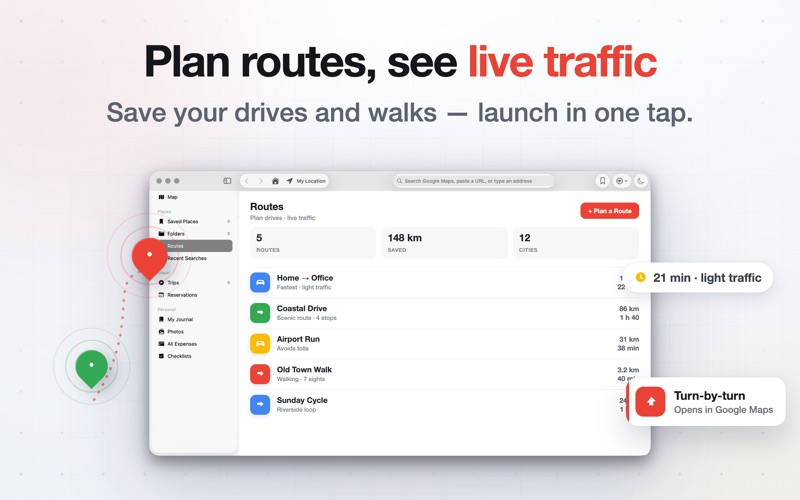
- Advanced Trip Planning: Organize your itineraries day-by-day, compare different transit methods in a single click, and map out routes with multiple stops while viewing real-time traffic updates.
- Integrated Budget & Expense Tracking: Keep your travel finances in check with a built-in expense logger that categorizes spending and alerts you when you are approaching your budget limit.
- Reservation Management: Keep track of flights, hotel stays, and dining reservations with automatic reminders scheduled one hour before your bookings.
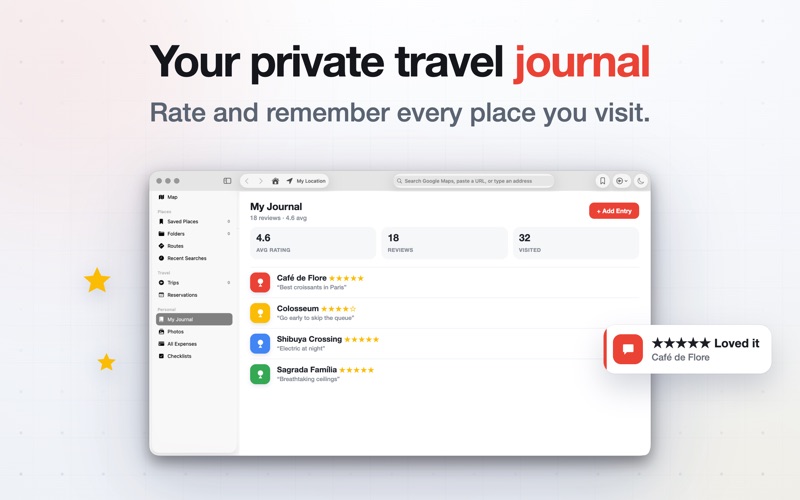
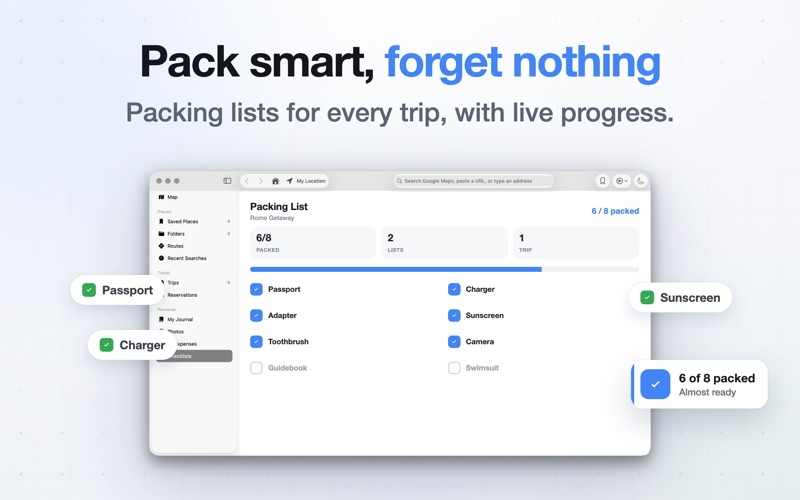
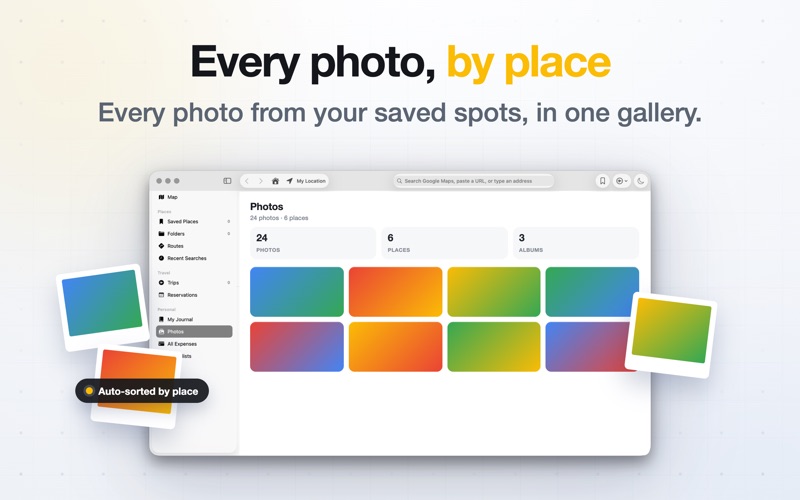
- Built-in Travel Journals & Checklists: Document your journeys with private ratings, photos, and personal reviews, and prepare for departure using customizable packing checklists.
Privacy-First Architecture
For users concerned about online tracking, the Smart App for Google Maps desktop client offers peace of mind. Operating within a secure macOS sandbox, the application runs without third-party SDKs, analytics tracking, or advertising. Everything you search, save, or log stays securely on your local Mac machine, ensuring your travel habits and personal journals remain entirely private.
Is It Right for You?
If you find yourself constantly planning trips, managing local business listings for work, or simply wanting a fast, native desktop alternative to running heavy map sites in resource-intensive browser tabs, this tool provides an elegant solution. It bridges the gap between raw geographical data and structured personal organization.
To experience this powerful desktop mapping tool firsthand, visit the official Mac App Store to download the application and select the subscription or lifetime plan that best fits your workflow.
Rate the App
User Reviews










Popular Apps










Editor's Choice